Usage
Why does file upload fail when creating a new prediction task?
【Phenomenon】
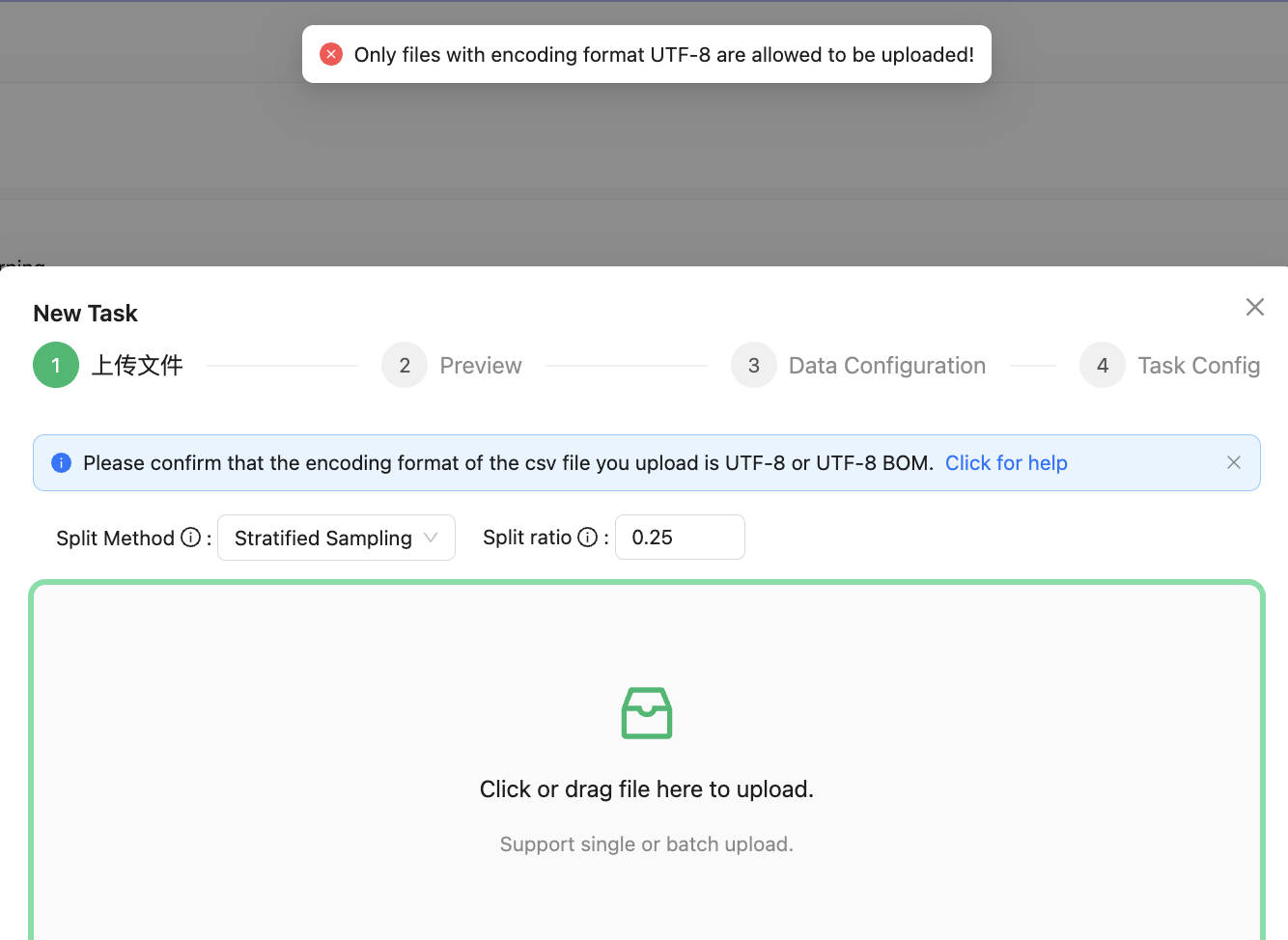
【Reason】
Because the encoding format of the uploaded file does not conform to the specification, there may be the problem of display garbled, which leads to the misjudgment of the system as a problem with the data structure of the file.
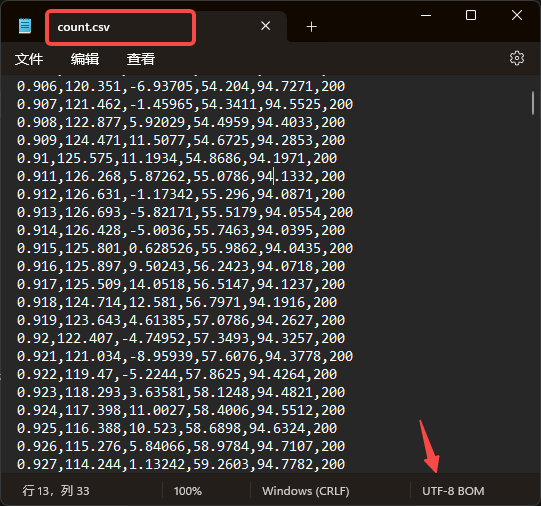
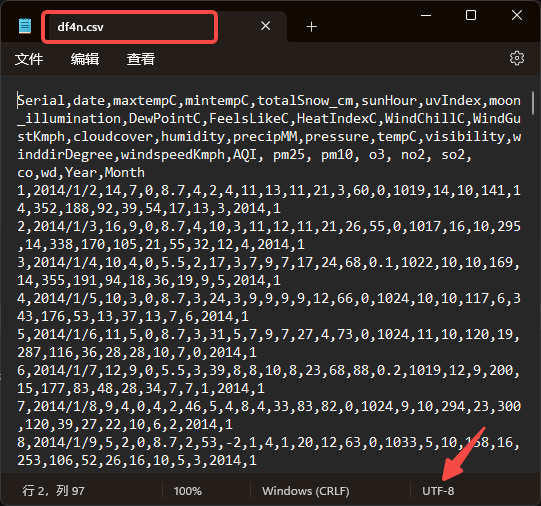
【Workaround】Currently, only CSV files can be uploaded. If Excel files are to be uploaded, save them in CSV format and use the UTF-8 character encoding without BOM.
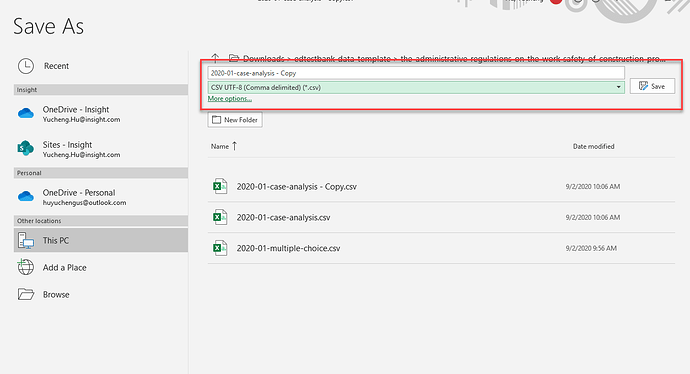
For details about how to save the Excel file as a UTF-8. CSV file, see the following:
Step 1: Select Save As in the file.
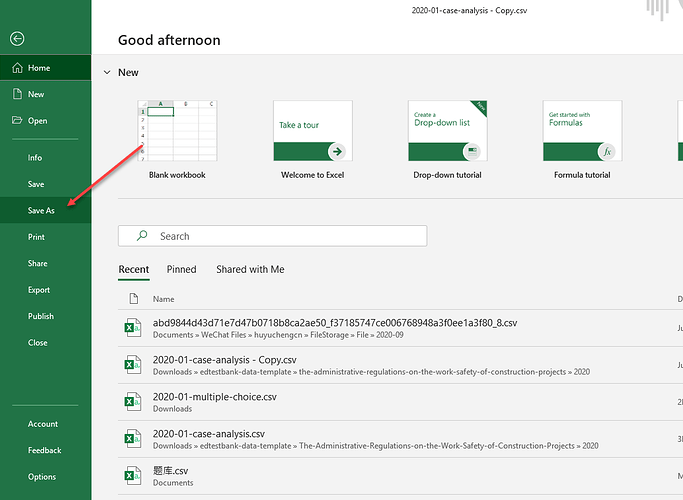
Step 2: In the dialog box that pops up, select the csv format to save as UTF-8.
In order to check whether the file is garbled, you can use a text editor (such as Windows built-in notepad) to open your saved file, if it can be displayed normally, it means that the saved format is fine. As shown below: